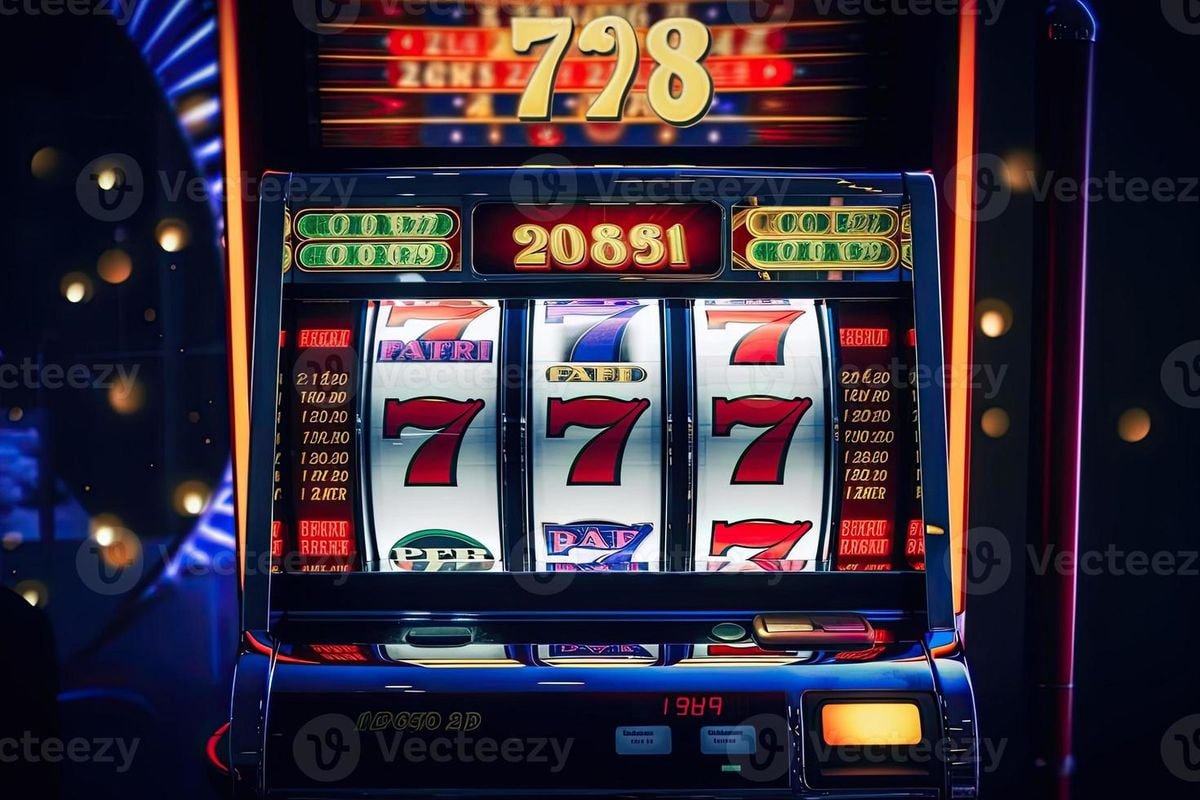
The 88slotpk mobile experience runs directly through your phone browser — no file to hunt for, no store listing to wait on. Open the current domain, sign in with your account credentials, and the full lobby loads on your screen: slots from Habanero and CQ9, live tables, and the sportsbook where PSL cricket markets sit alongside other categories. Access depends on local law and eligible regions.
Before entering your credentials anywhere, take a moment to confirm you are on the correct 88slotpk domain. Phishing pages copy the look of a login screen exactly, so verifying the URL in your address bar is the single most important step. If the domain does not match the one you registered with, close the tab immediately.
Confirm the Domain
Check the address bar before you type anything. The correct URL should match the domain you used at registration. If anything looks different — an extra word, a dash, a number swap — do not proceed. Close the tab and return through a saved bookmark or a link you trust.
Review Device Guidance
The account settings page carries device guidance specific to your login history. If you see an unfamiliar device listed there, use the published session-management option to remove access. Check this whenever you log in from a new phone or a shared screen.
Protect Your Credentials
Use a password you have not used on any other account. Your JazzCash or Easypaisa wallet PIN is separate from your 88slotpk login — never share either one in a support chat. The support team will never ask for your full password to resolve an account query.
Use the Published Recovery Path
If you lose access to your account, the recovery steps are listed inside the help section of the site. Follow only that path. Do not use a recovery link sent through an unverified social-media message, as those are not issued by the platform.
APP HELP ROUTES
Where to Get Help With Mobile Access
Three support routes are available for account and mobile access questions. The live chat option loads within the site itself — open it from the help icon visible on the lobby page after login. For queries that need a written record, email support handles account and access issues in detail. If you are working through a browser-compatibility question, the install guide section inside the help pages walks through the current recommended approach for Android and iOS browsers.
Live Chat on Site
The chat icon appears in the lobby once you are signed in. It connects you to a support agent who can address mobile login issues, screen-layout questions and account access problems. Keep your account ID ready so the agent can locate your record quickly without delay.
Email Support
For account access issues that need documentation — such as a login blocked after multiple attempts or a device not recognised by the system — email support lets you describe the problem clearly. The response path and contact address are shown in the help section of your account dashboard.
Browser Access Guide
The help pages include a browser access section covering which browser settings allow the lobby to load correctly on Android and iOS. Check whether JavaScript is enabled and whether cookies are set to accept, as both affect how the account and game screens render on a mobile screen.
DEVICE COMPATIBILITY CHECK
Which Devices Work With the Mobile Lobby
The 88slotpk lobby is built to render on a standard mobile browser without requiring a separate installation. Before assuming a compatibility issue, check four things: your browser version, your network connection, your account login status, and whether the domain you have saved is the current one.
Browser Version
Chrome and Safari on current Android and iOS versions both support the lobby layout. If the page does not load correctly, check whether your browser has a pending update in your device settings.
Screen Layout Behaviour
The lobby adapts its column layout to your screen width automatically. On narrower screens, the game grid shifts to a single-column view. If the layout appears broken, try rotating your phone to landscape and then back — this often resets the rendered layout.
Account Requirements
You must be logged in to access the full game lobby and your wallet. The login page is accessible without an account, but game rooms, transaction records and JazzCash or Easypaisa wallet links only appear after a verified sign-in.
Currently Supported Devices
The current list of confirmed device support is shown in the help section after login. This list is updated by the platform team; the published help page is the only source to rely on for device-specific guidance.
Network Connection
A stable mobile data or Wi-Fi connection is required for live tables and crash games such as Crash Smoke. If the live lobby drops mid-session, check your signal first before raising a support query — most brief disconnections on live games resolve on reconnect.
THREE ACCESS STEPS
Mobile Access in 3 Steps
Getting into the lobby from a phone is a short process — no download queue, no app store wait. The steps below describe browser-based access, which is how the platform currently serves mobile accounts. If a native application becomes available, the account dashboard and help section will carry the details first. Until then, these three steps are how you reach your account, your wallet and the game lobby from any phone.
Open the Current Site
Type the 88slotpk domain directly into your mobile browser or open a bookmark you saved at registration. Do not use a link from a chat message you cannot verify. Confirm the URL matches before moving to the login fields.
Check Browser Compatibility
The login page will tell you if a required browser feature is missing. Enable JavaScript and allow cookies for the domain if prompted. On Safari, check that cross-site tracking is not blocking the session — this setting occasionally prevents the account page from loading fully.
Sign In Securely
Enter your registered credentials on the login screen. After a successful sign-in, your wallet balance, transaction history and the full game lobby — including slots from JDB and Bigtime Gaming — become available. Your JazzCash or Easypaisa deposit records appear in the wallet tab.
Verify Your Session
Once inside, check the account icon to confirm the correct profile loaded. If you share a device with anyone, log out fully after each session using the sign-out option in the account menu rather than just closing the browser tab.
MOBILE PAGE BEHAVIOUR
What the Mobile Lobby Actually Shows
The mobile browser version of 88slotpk renders the same core sections as the desktop view, adapted for a smaller screen. Navigation sits in a collapsible menu at the top of the page. The game lobby loads titles from Microgaming, Habanero, CQ9, JDB and Bigtime Gaming in a scrollable grid. Tapping a game tile opens its room directly inside the browser — no separate window.
Collapsible Navigation Menu
The top menu collapses on small screens to keep the game grid visible. Tap the menu icon to reach the sportsbook, live casino, slots, and your account sections. The current lobby category you are browsing stays highlighted so you can navigate back without losing your position in the game grid.
Scrollable Game Grid
Games from all configured studios appear in a single scrollable grid on mobile. Titles such as Baccarat Jungle and Cricket Betflash load in the same grid as slots and crash games. The grid does not require a separate page load for each category — you scroll through the full set.
Wallet Tab Access
Your wallet balance, JazzCash deposit records and Easypaisa transaction history are all in the wallet tab inside your profile. You reach it by tapping the profile icon from any page in the lobby — you do not need to return to a separate account homepage to check your balance.
In-Browser Game Rooms
Tapping any game tile opens the room inside the same browser tab. Live tables, crash games like Crash Smoke, and slot rooms from Habanero all run this way. There is no redirect to a separate app or external page — the session stays within the browser throughout.
RESPONSIVE LOBBY DETAIL
How Navigation and Account Routes Work on Mobile
The 88slotpk mobile layout organises content into three layers a phone user moves through in practice. The outer layer is the navigation bar — it holds the category links for slots, live casino, sportsbook and account.
APP QUESTIONS ANSWERED
Common Questions About the 88slotpk App
These questions come up regularly from account holders checking how mobile access works. Each answer is based on how the platform currently operates — check the help section inside your account for anything that may have changed.
Is there a separate 88slotpk app I can download from the Play Store or App Store?
As of the current platform setup, mobile access runs through your phone browser rather than a store-listed application. If a native app becomes available for Android or iOS, the account dashboard and help section will carry the confirmed details. For now, opening the domain in Chrome or Safari gives you full lobby access.
Do I need to create a separate account to use the mobile version?
No separate account is needed. Your existing 88slotpk login works on mobile browser the same way it does on desktop. Sign in with the same credentials you registered with, and your wallet balance, transaction history and game lobby all carry over to the mobile screen automatically.
Why does the lobby page not load correctly on my phone?
The most common reasons are JavaScript being disabled, cookies blocked for the domain, or an outdated browser version. Check these three settings first in your browser's site settings. If the page still does not render correctly after those checks, the support chat inside the site can walk through the specific error you are seeing.
Can I access my JazzCash and Easypaisa wallet records on mobile?
Yes. Your deposit and transaction records, including JazzCash and Easypaisa entries, are in the wallet tab of your account profile. Tap the profile icon from any page in the lobby to reach the wallet tab — you do not need to return to a separate account page or switch to desktop to view this history.
Does the mobile lobby show the same games as the desktop version?
The game grid on mobile displays content from the same studios configured on the platform — Bigtime Gaming, Microgaming, JDB, Habanero and CQ9. Titles such as Blackjack Fiesta, Football Agility and Crash Smoke appear in the mobile grid. A small number of live table formats may render differently on narrow screens, but the full catalogue is accessible.
Is it safe to stay logged in on a shared phone?
It is not recommended. If you access your 88slotpk account on a shared or public device, use the sign-out option in the account menu after each session — do not just close the browser tab. Your account settings also show active sessions, so you can remove access for any device you no longer recognise.
 Mobile / Casino